

Everything in its place.
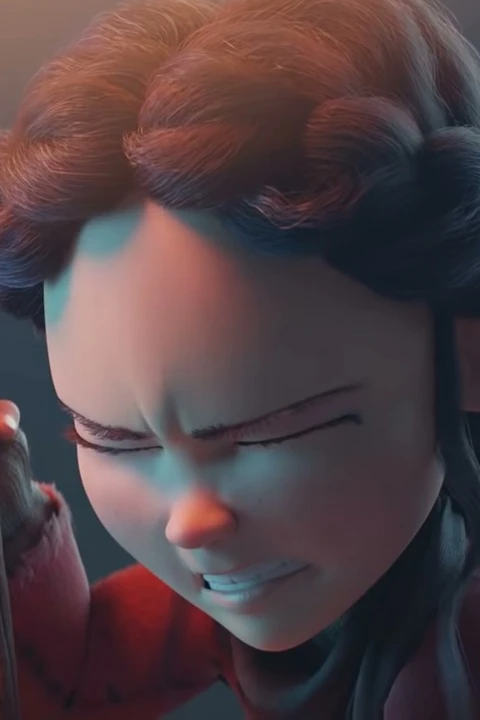
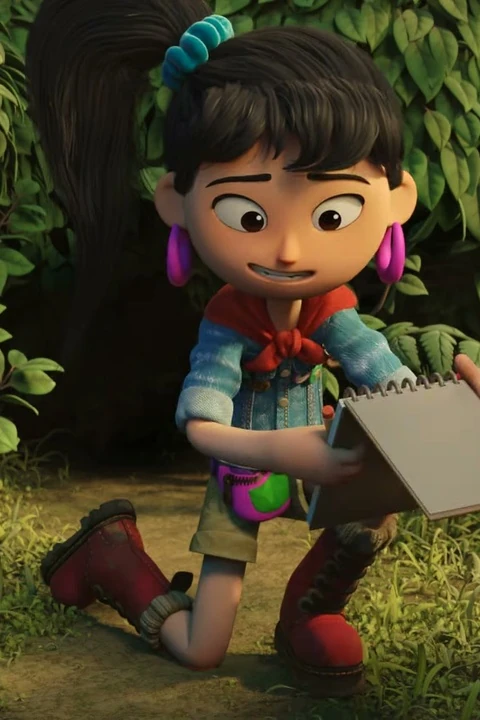
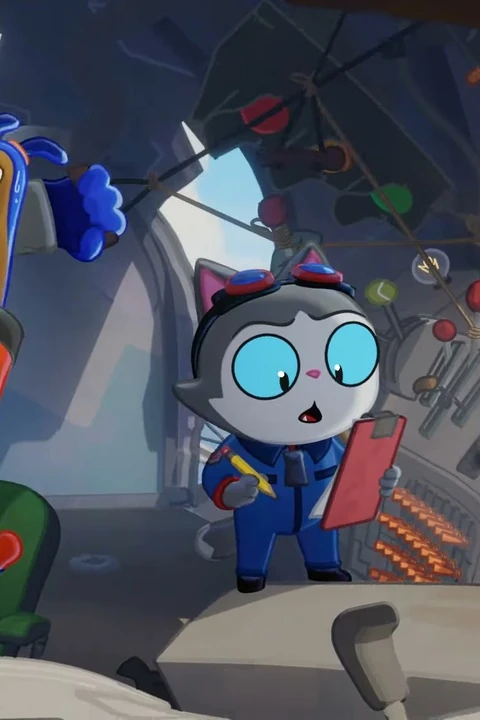
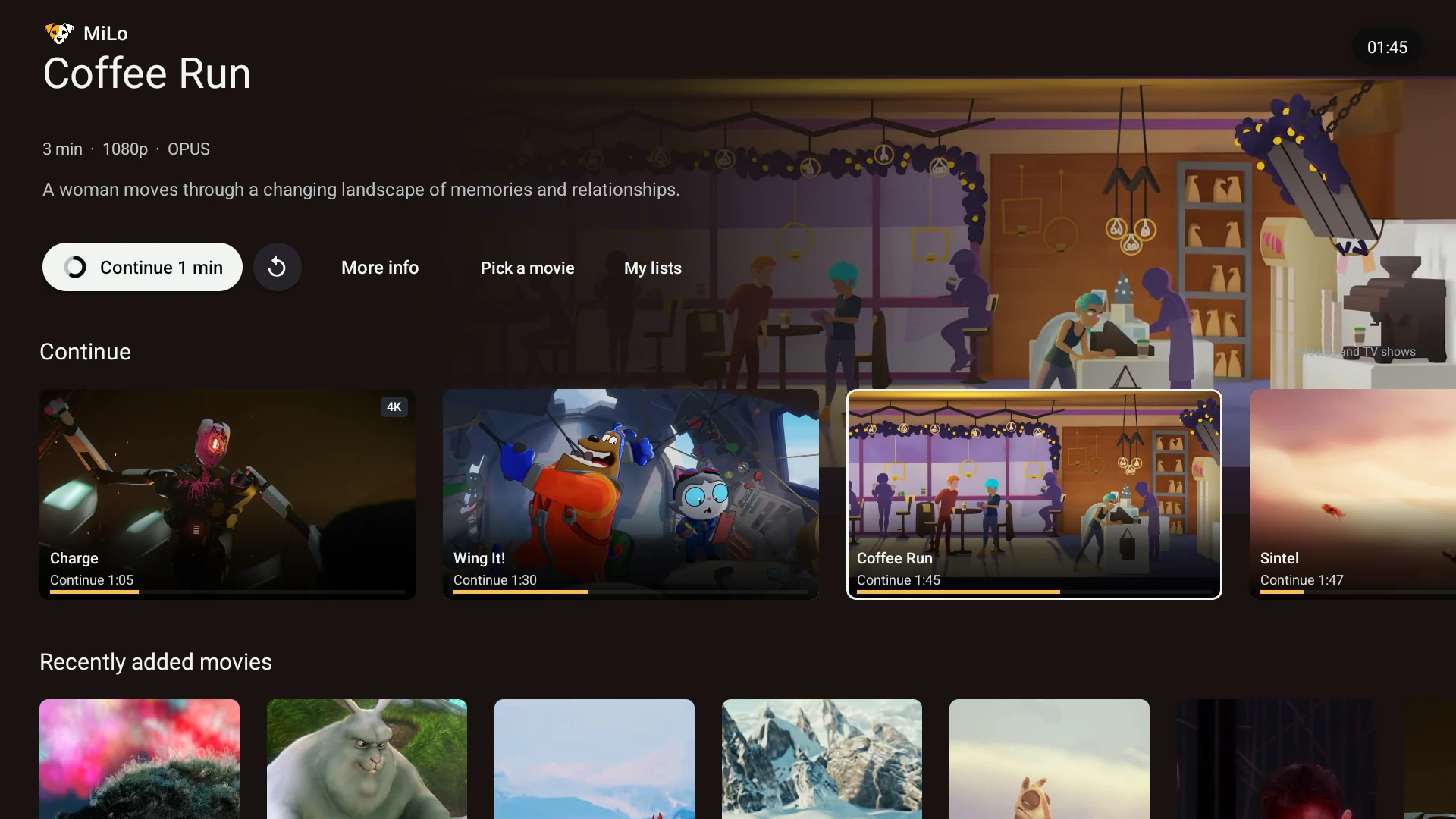
Browse selected libraries, choose a source, resume an episode, and make collections of your own. A clean, consistent experience for your personal Plex library on Android TV.
Bring your libraries togetherYour servers. One view.
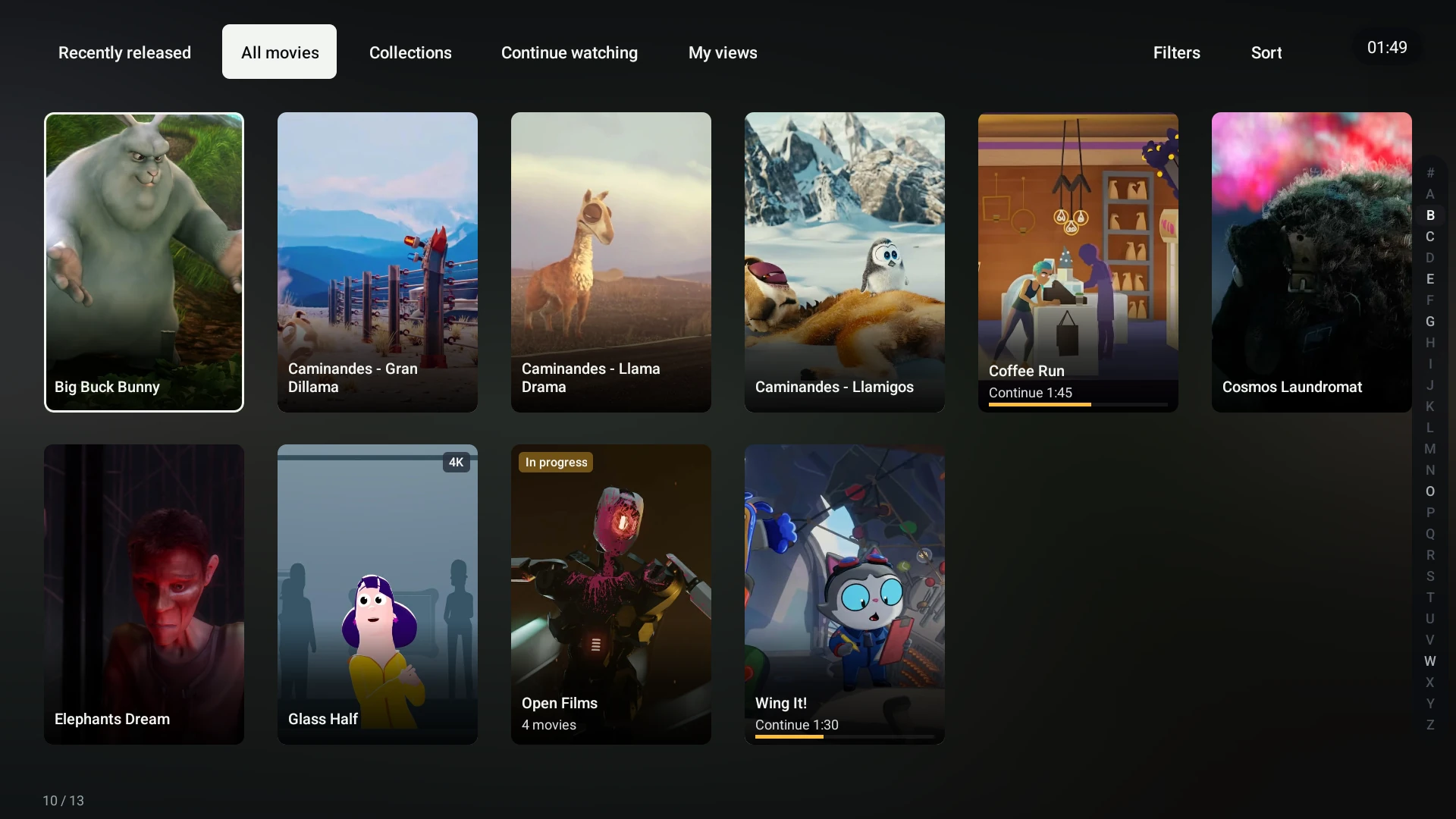
A place for every library.
Build your own groups.
Bring selected libraries from your own and shared Plex servers into one sidebar group. Make a Movies, Series or Kids view, and keep the libraries you do not need out of it.
Choose your version.
When a title has multiple available versions, let MiLo select a high-quality source or choose the server and version yourself. Your manual choice stays in control.
Groups use the Plex libraries your account can access. Available versions depend on the metadata supplied by each server.
Your subtitles, your way.
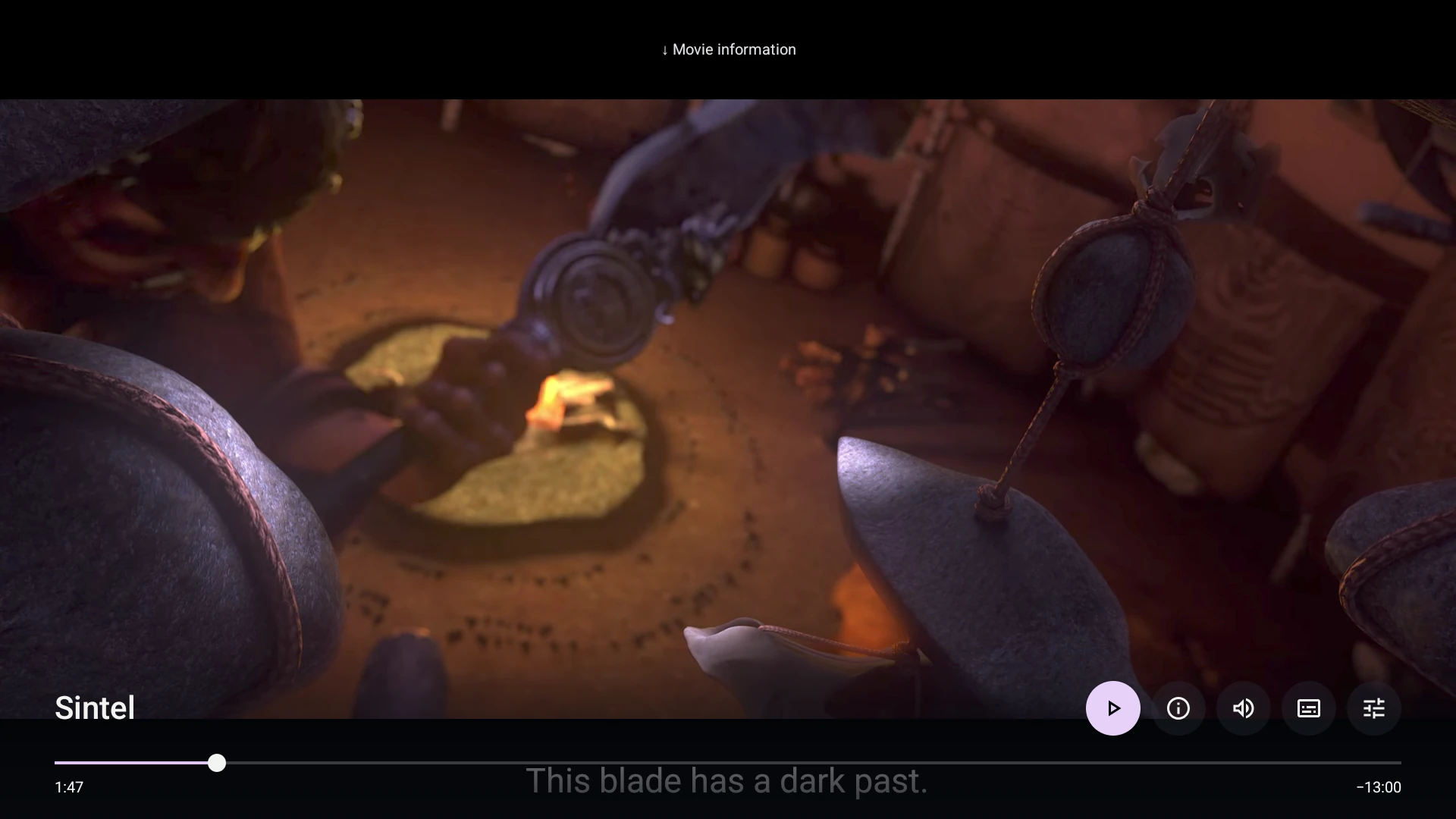
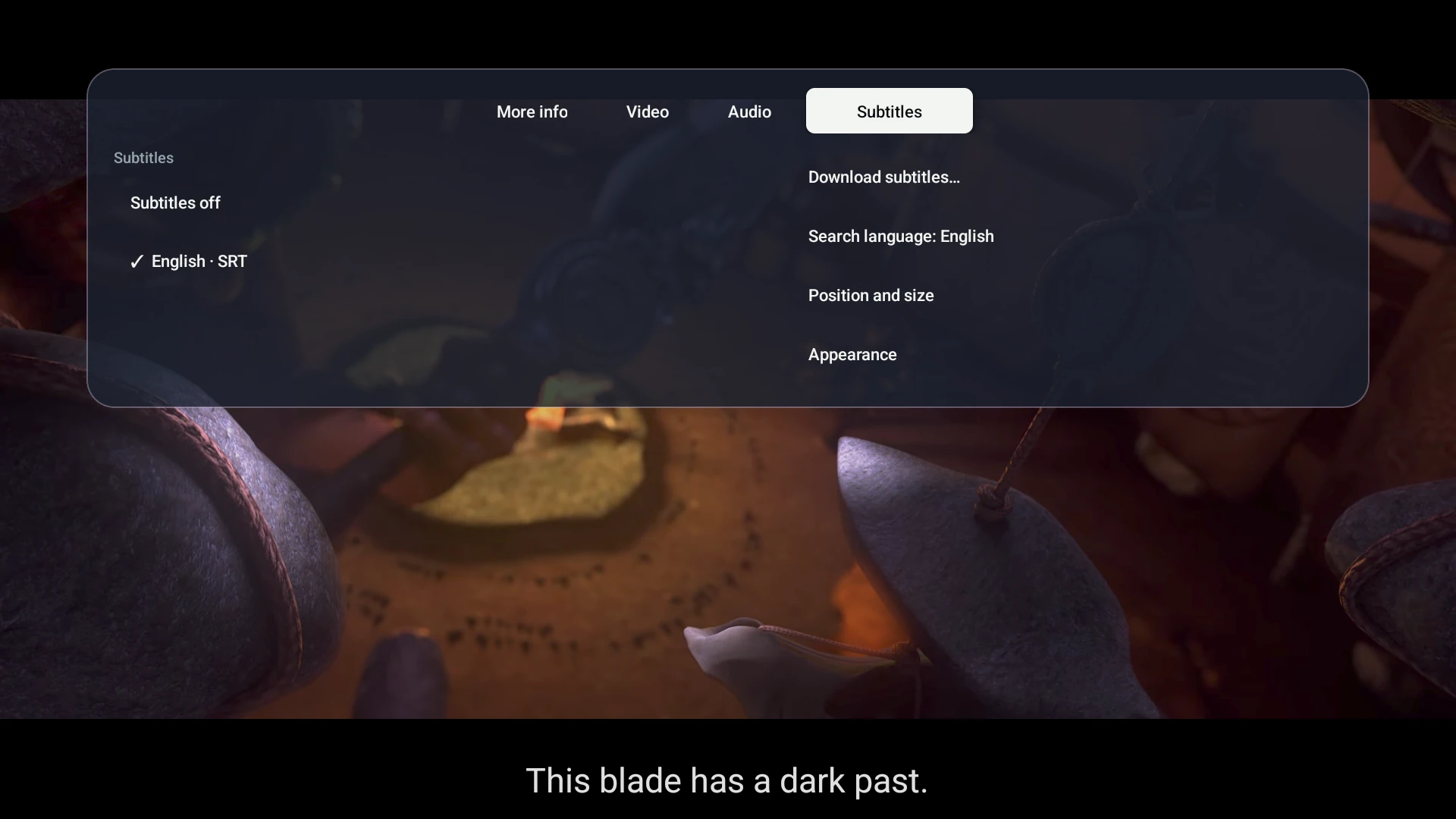
Choose and adjust subtitles while you watch, in a clear and comfortable interface built for the big screen.
Make text comfortable.
Adjust text colour, font, size and position. Move text subtitles into an existing lower black bar or raise them into the picture.
Keep your preferences.
MiLo remembers subtitle choices on your device. Select a local track or search OpenSubtitles for another language.
Appearance and positioning controls apply to text subtitles. Bitmap subtitles keep their encoded colours and positions. OpenSubtitles has its own availability, accounts and limits.
Stay in the story.
Small controls. A bigger picture.
Watch your way.
Switch audio, see film information and keep original quality or choose a bitrate limit without leaving playback. Back closes the open player menu first.
Let the next episode come to you.
Continue a series with automatic next-episode playback. Skip intros and credits when your Plex server supplies the markers.
Ready for a closer look.
Your artwork, close at hand.
Keep artwork ready on your device for browsing with fewer repeat image downloads. With preloading enabled, MiLo prepares images from your selected libraries while the app is open and idle.
Choose the cache location and budget, see preload progress, and prepare the libraries you actually browse. The cache stores images, not offline movies.
Make movie night yours.
A collection of your own.
Create personal movie collections, save titles for later and revisit your MiLo viewing history. Follow series so their new episodes appear on Home.
A familiar view.
Switch Plex Home profiles, reorder Home rows, save browsing filters and adjust text or poster sizes for your television.
MiLo collections, lists and viewing history are local to the device and separated by profile. Plex watch state is handled separately by your server.
More ways to make it yours
- Browse recent releases and additions; filter and sort, including ratings when available.
- Jump A–Z and save your filters and sorting as a browsing view.
- Pick three movie suggestions with genre and duration filters.
- See Plex-supplied cast information, artwork and available ratings in details.
- Use chapters and seek previews when your Plex server supplies the data.
- Reuse cached cast portraits after they load on demand.
A few things to know.
Before movie night.
Does MiLo include movies and TV shows?
MiLo plays media from Plex libraries you can access. It does not supply a movie or TV catalogue. This page shows a controlled sample library with openly licensed film imagery.
Can I use more than one Plex server?
Yes. Choose libraries from your own and shared Plex servers, and organize them into your own sidebar groups. When versions are found for a title, choose a source or use automatic selection.
Does it work away from home?
It can connect when your Plex server is securely reachable over HTTPS and your account has access. Your server configuration, network speed and Plex access requirements still apply.
Will every format and playback feature work?
Support depends on your Android TV device, audio equipment and media. Bitrate limits use Plex conversion and can change the audio format. Intro and credits skipping need server markers; seek previews need Plex preview thumbnails or chapter images.
Are my personal lists synchronized between TVs?
MiLo collections, saved lists and viewing history are stored locally and separated by profile. They are not a MiLo cloud-sync service. Plex's server-side watch state is separate.
Where can I download MiLo?
The Google Play release is in preparation. MiLo is being prepared as a free app. Plex access and third-party services have their own requirements and limits. We will add the official listing here when it is available.
Something else on your mind?
admin@merawebdev.comInside the app
A closer look at MiLo.
Unaltered app screenshots from a real Plex demo library. Browse full films, choose an actual file version, explore episodes and open a collection.
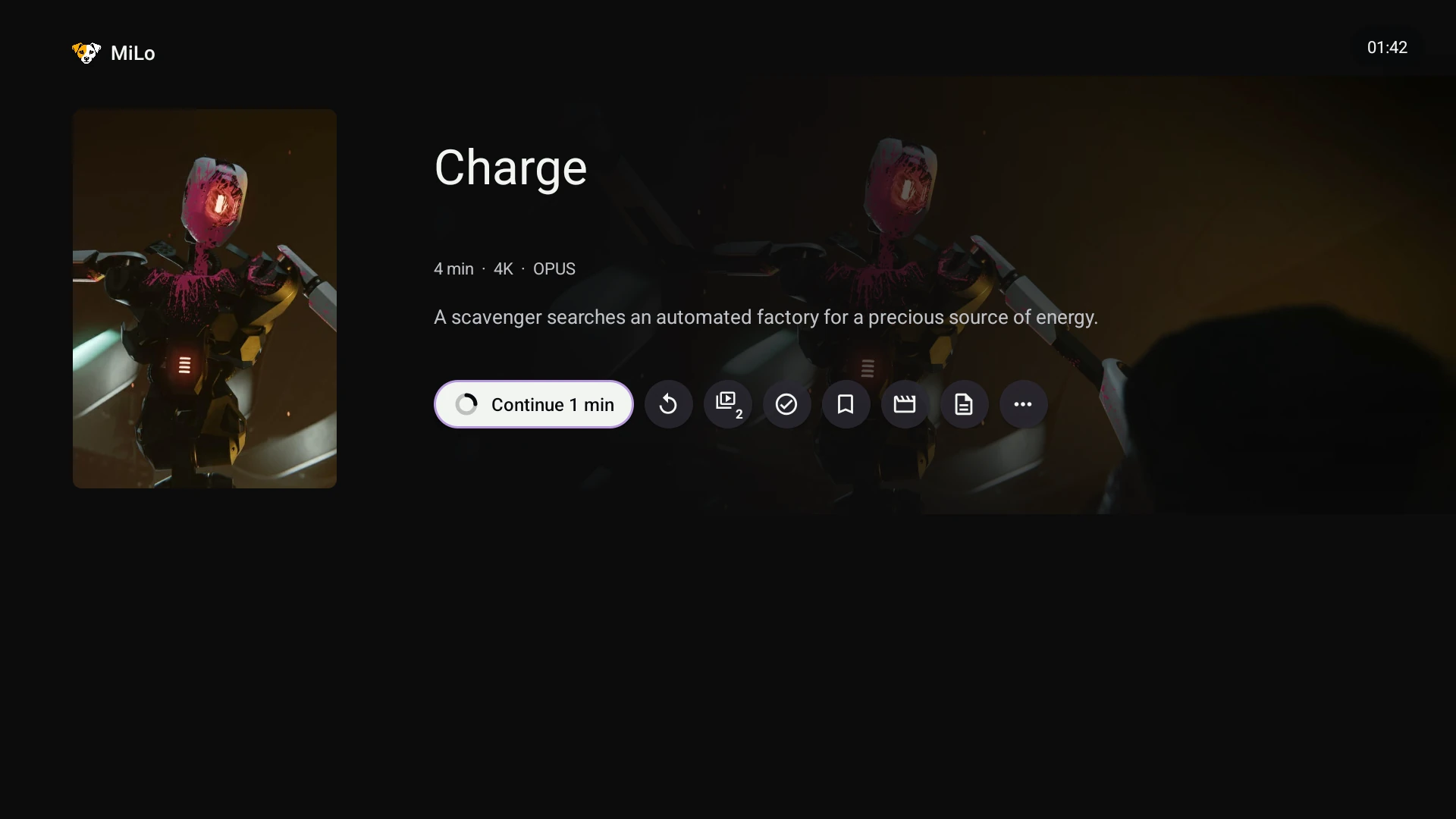
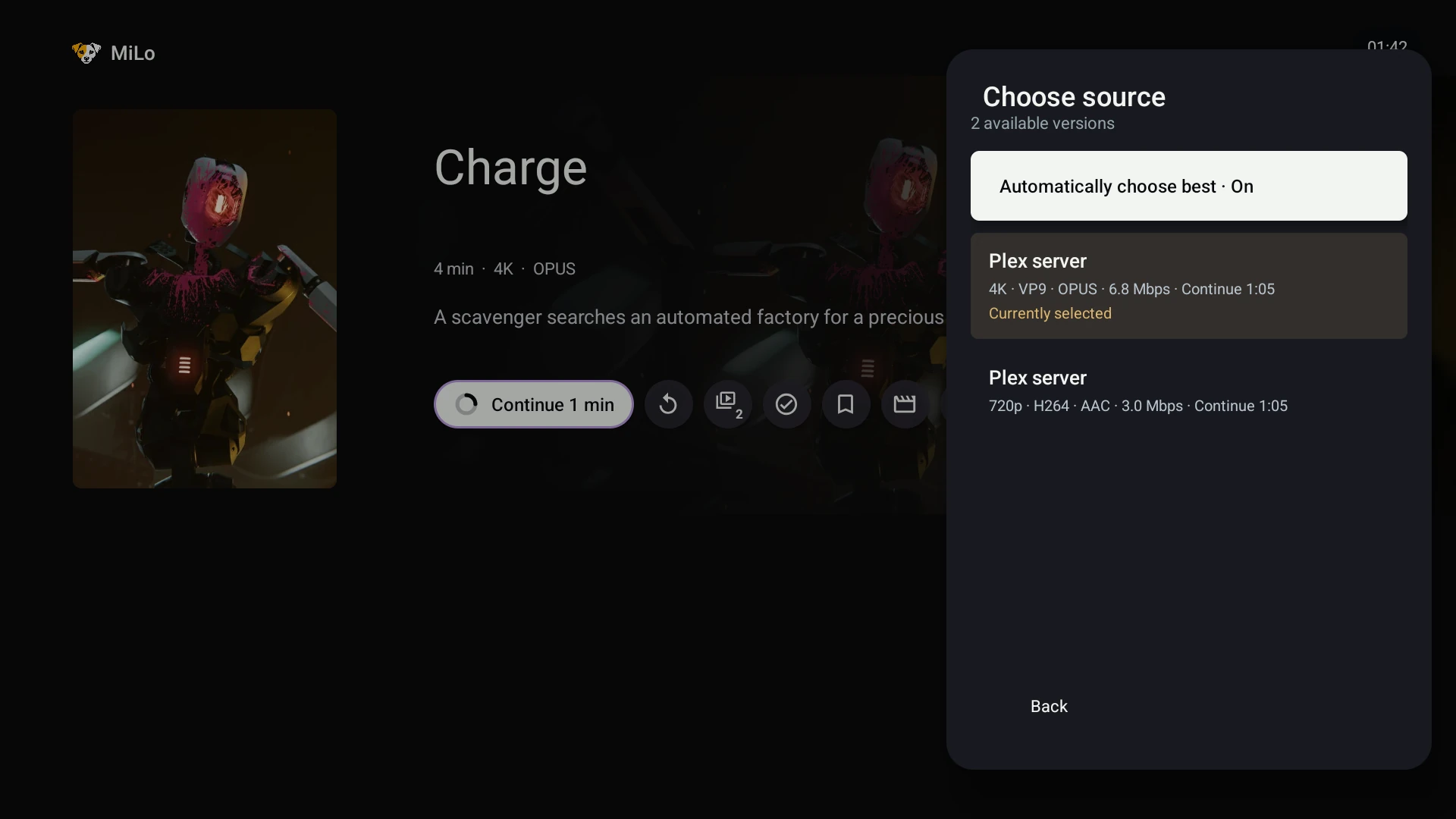
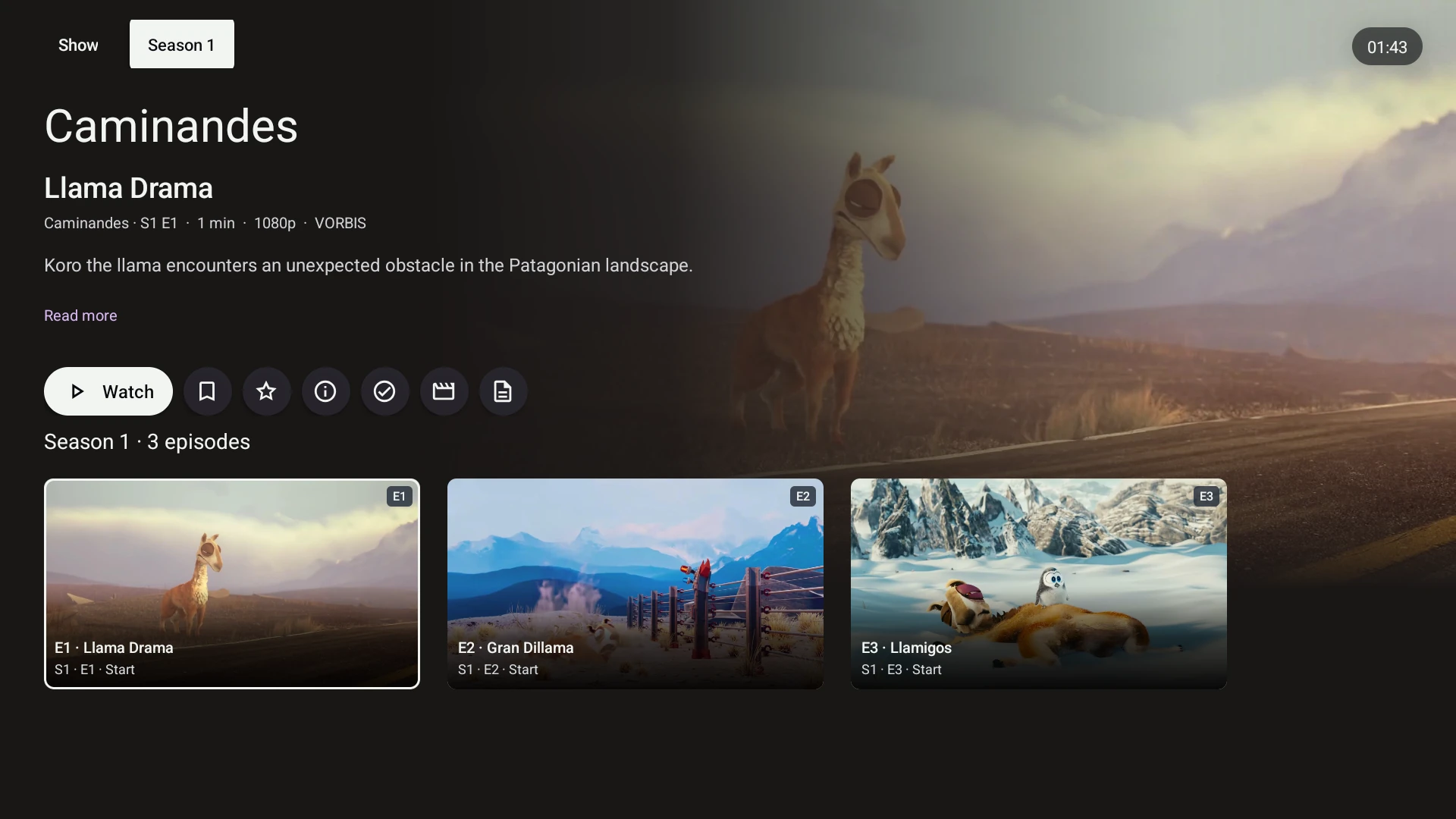
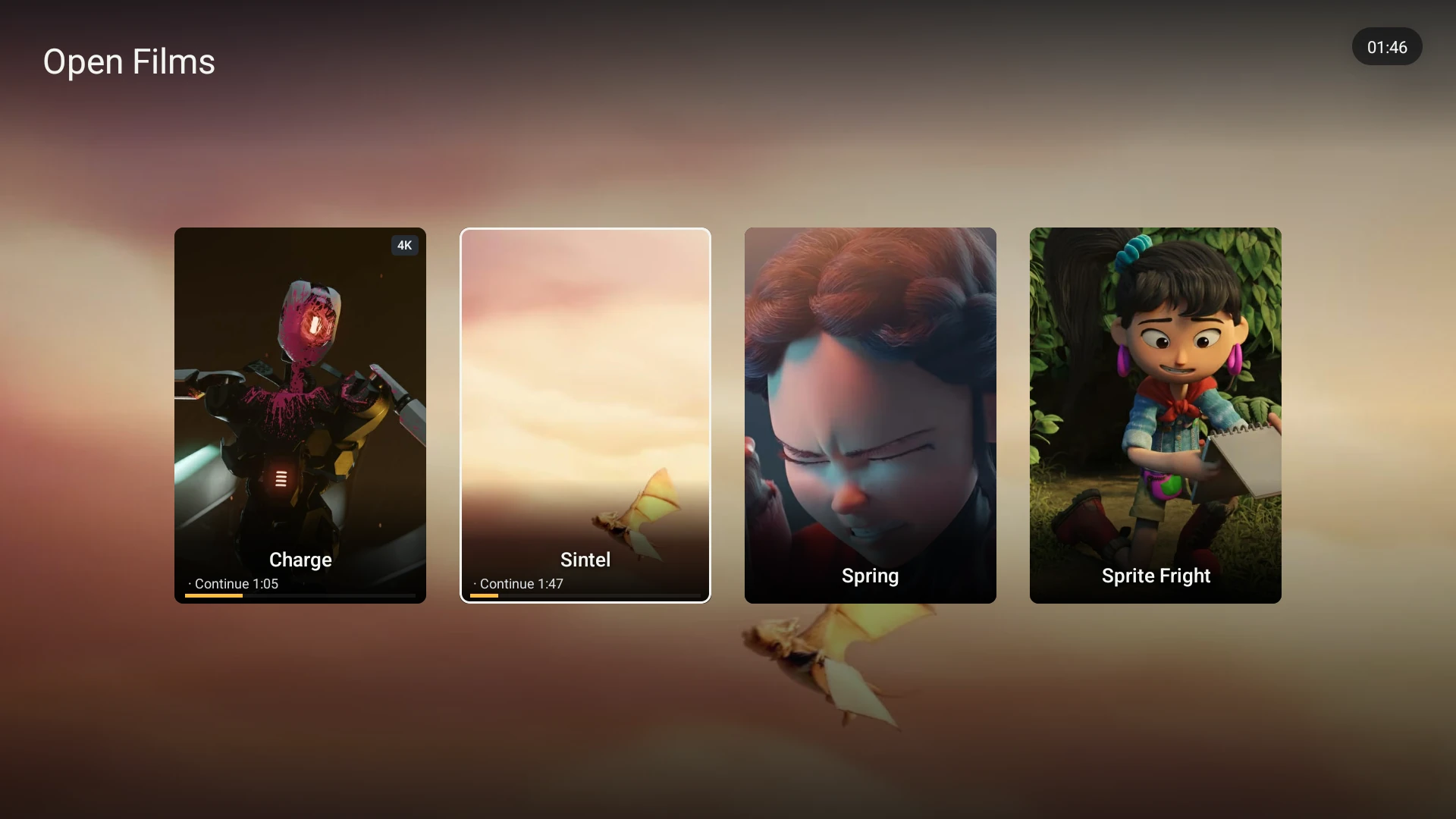
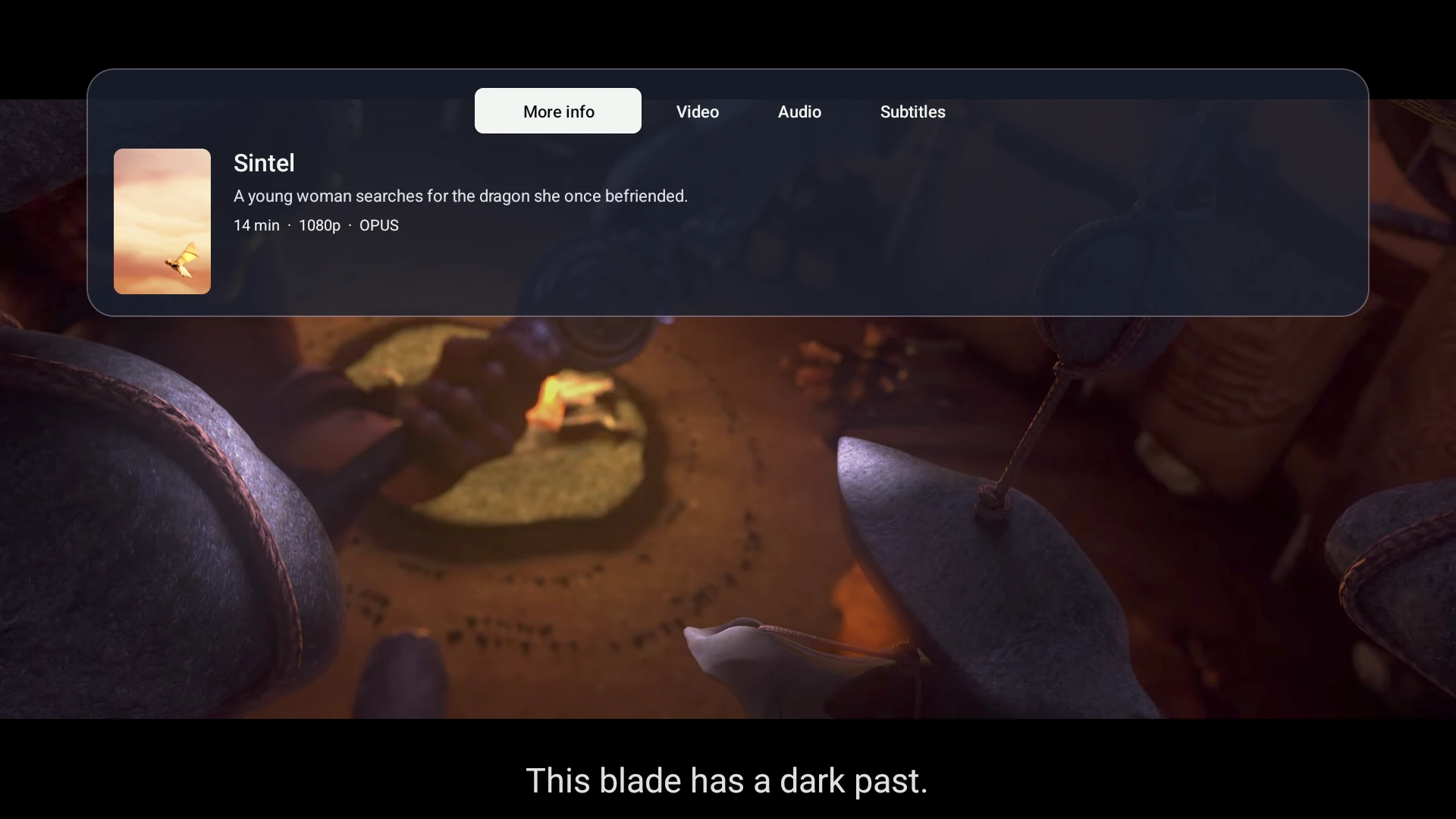
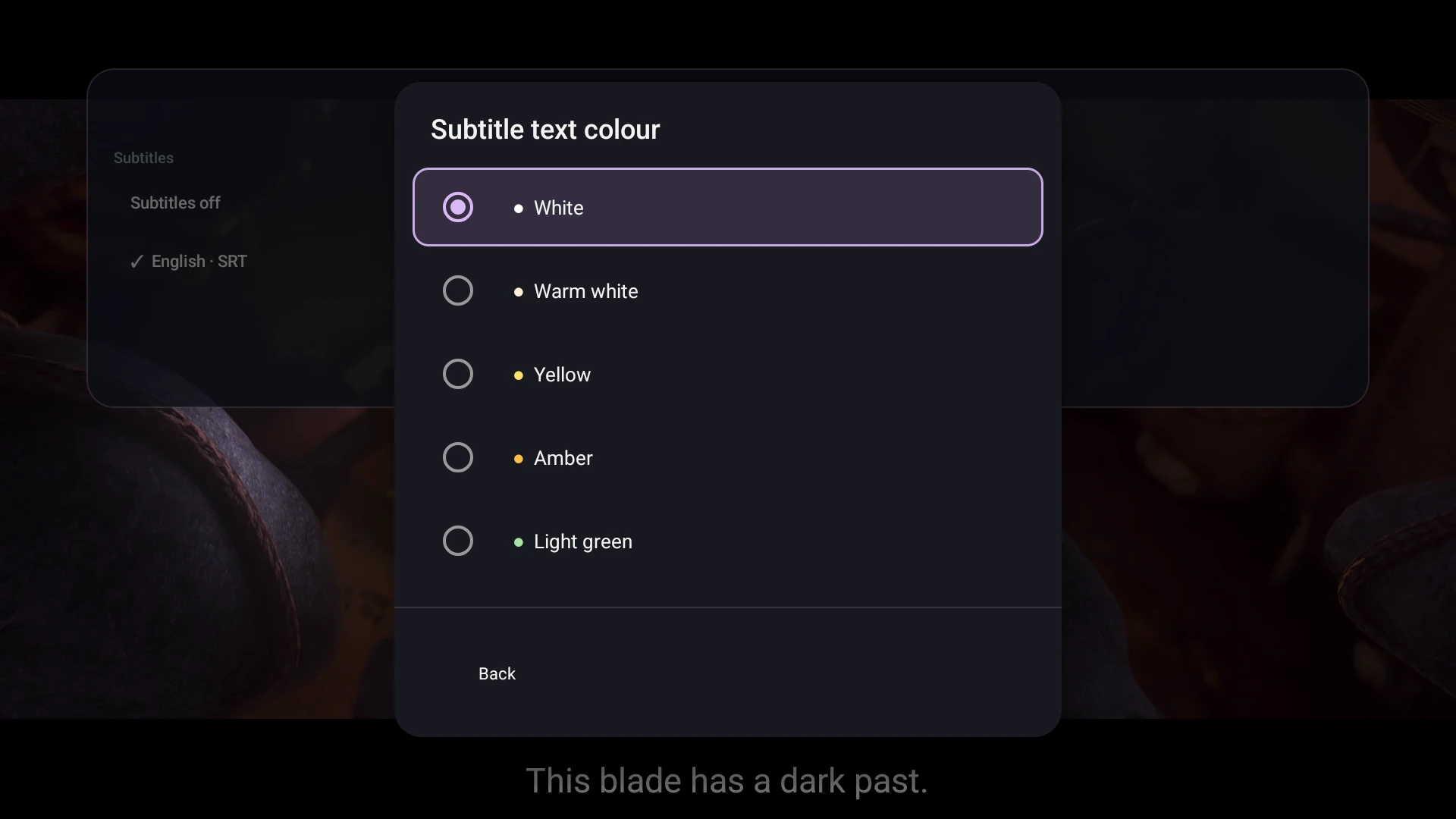
Image credits
Film frames from openly licensed full films, captured inside the real MiLo app connected to a genuine Plex server over validated HTTPS. Poster frames were cropped and resized; app screenshots were only resized/compressed for the web. Individual film-image licences also cover their cropped/scaled versions.
- Big Buck Bunny — Blender Foundation. CC BY 3.0. Source film.
- Caminandes - Gran Dillama — Blender Foundation. CC BY-SA 3.0. Source film.
- Caminandes - Llama Drama — Pablo Vazquez, Beorn Leonard, and Francesco Siddi. Music and Sound by Jan Morgenstern. CC BY 3.0. Source film.
- Caminandes - Llamigos — Blender. CC BY 3.0. Source film.
- Charge — Blender Studio. CC BY 4.0. Source film.
- Coffee Run — Blender Foundation. CC BY 4.0. Source film.
- Cosmos Laundromat — Blender Foundation. CC BY-SA 3.0. Source film.
- Elephants Dream — Orange Open Movie Team. CC BY 2.5. Source film.
- Glass Half — Blender Foundation. CC BY 4.0. Source film.
- Sintel — Durian Open Movie project; about page (archived link 31 March 2014); see also the credits roll.. CC BY 3.0. Source film.
- Spring — Andy Goralczyk / Blender Foundation. CC BY 4.0. Source film.
- Sprite Fright — Blender Studio. CC BY 4.0. Source film.
- Wing It! — Blender Studio. CC BY 4.0. Source film.
- Sintel — English subtitles — Wardsegers and Wikimedia Commons contributors. CC BY-SA 4.0. Source track · Revision history.
- CC BY-SA 3.0 film-image adaptations: Gran Dillama crop · Cosmos Laundromat crop. Cropped, scaled and card-overlay versions of these film images retain CC BY-SA 3.0. Other components retain their individual rights; this does not license MiLo software or trademarks.
All original copyrights remain with their authors. MiLo's brand identifies this independent app. These images do not imply endorsement by Blender Foundation, Blender Studio or the filmmakers.